

What you can do
Improve, tidy, or go further — you steer each photo
The aim is a truthful, stronger image. Remove what is too much. Add what the shot is missing. The more specific the instruction, the closer the first run gets to what you want.
Standard improvement
No instruction needed. Light, verticals, obvious clutter, a touch of sharpening, and other defaults.
Directed improvement
Tick tasks or write a short line: tidy the bedding, clear the worktop, hang curtains, remove tree shadows, add sunlight to the facade, clear pool water, clean up a view, remove cables or hoses.
Further than a tidy-up
Visualise a calmer interior, a styled table or terrace, another wall colour or floor, a refreshed kitchen or bathroom, a garden or facade after a simple upgrade. Still your photo. You decide how far.
How to get a strong first run
- 1Upload the set and name the project.
- 2Open each photo.
- 3Use the orange in-app button: tick tasks or write one short instruction.
- 4Click Improve. Work runs in the background; you can close the window.
Each photo can be edited 3 times per credit. After the first run you still have two passes, and you can see every version and which one is in use.
Tip: In Settings you can save your own standard tasks; they appear at the top of the list.
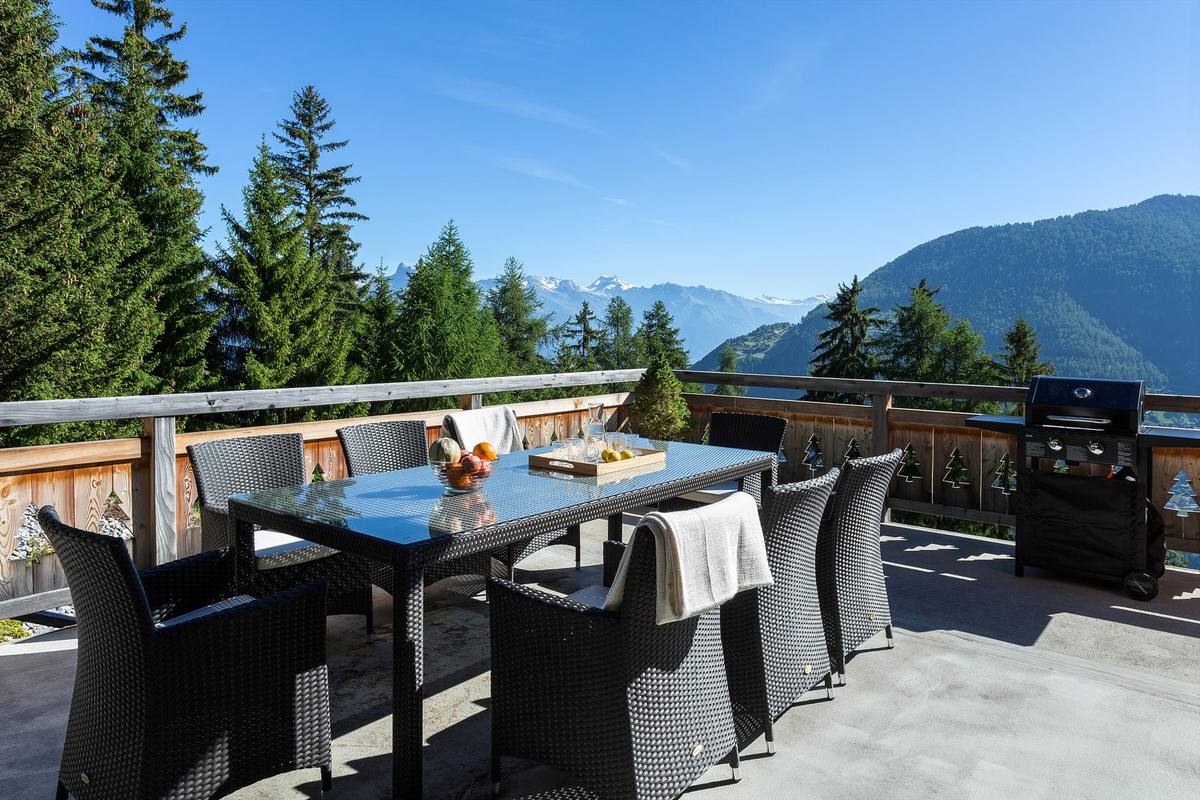
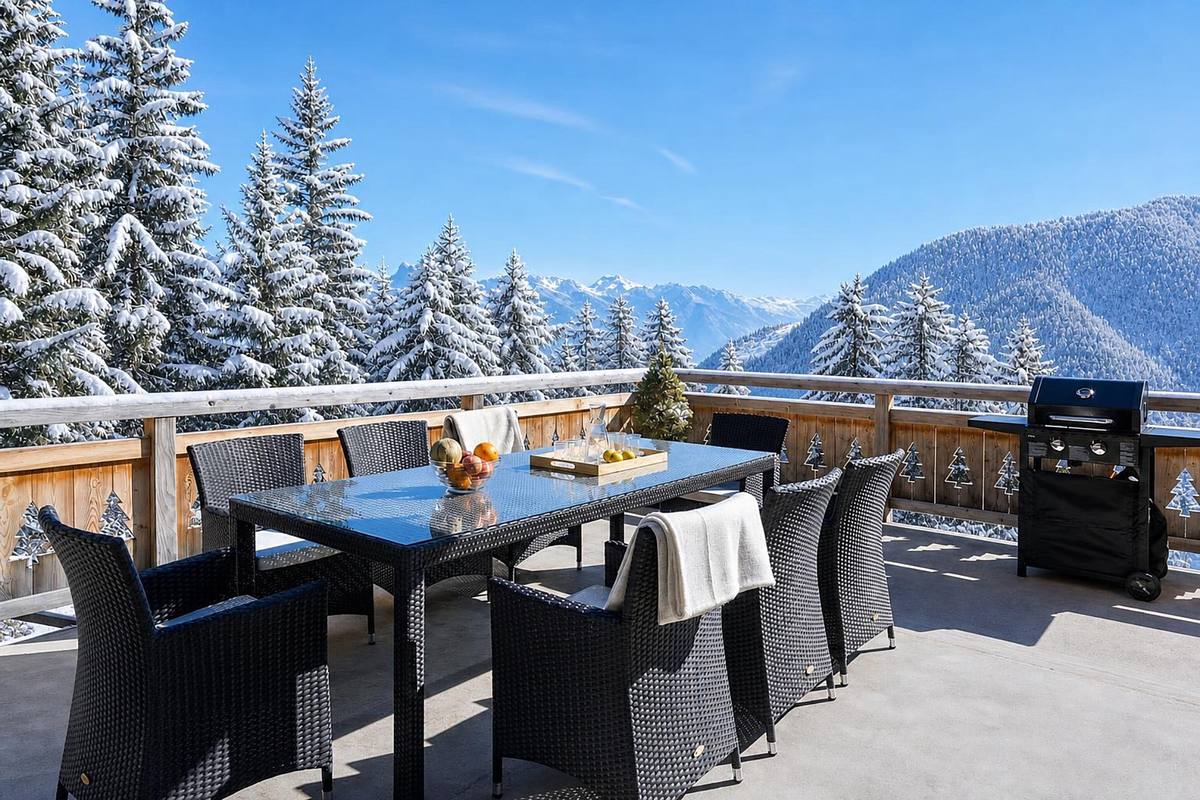
Beds made neatly
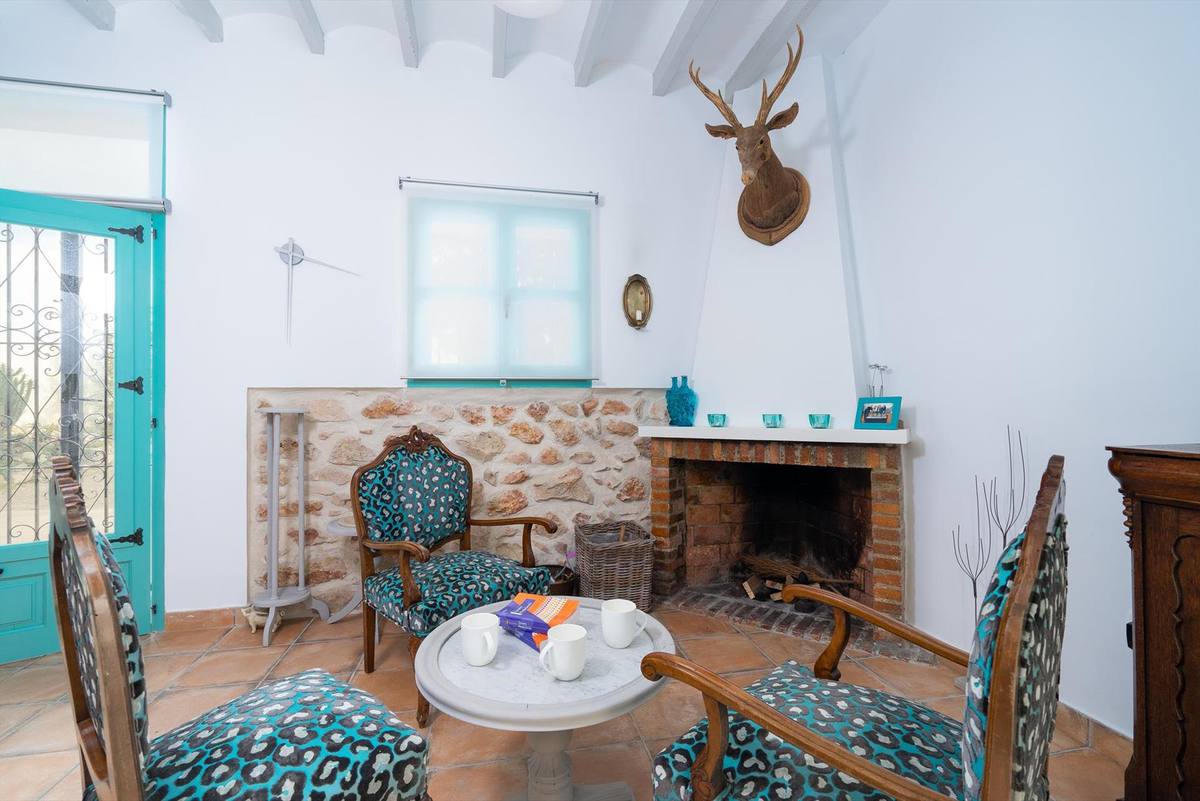
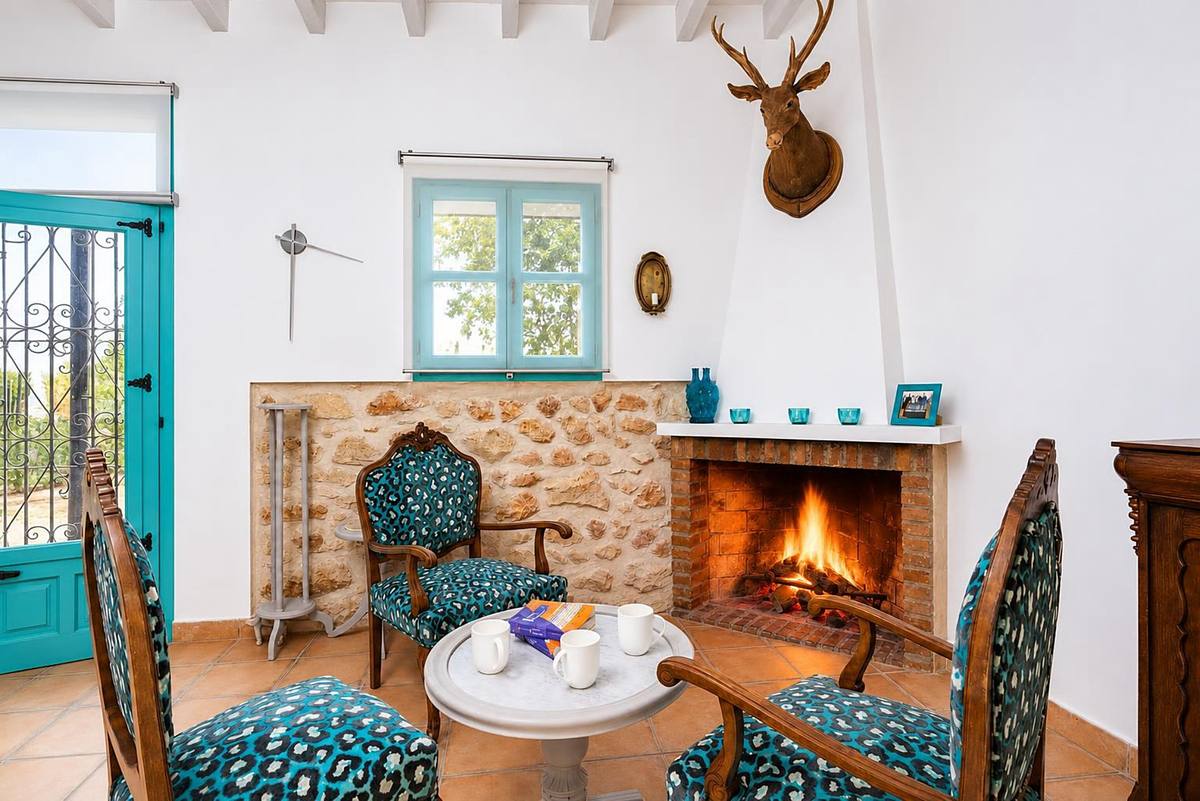
More sunlight on the front of the house