

For holiday rentals
Photos guests want to book, without restyling the house
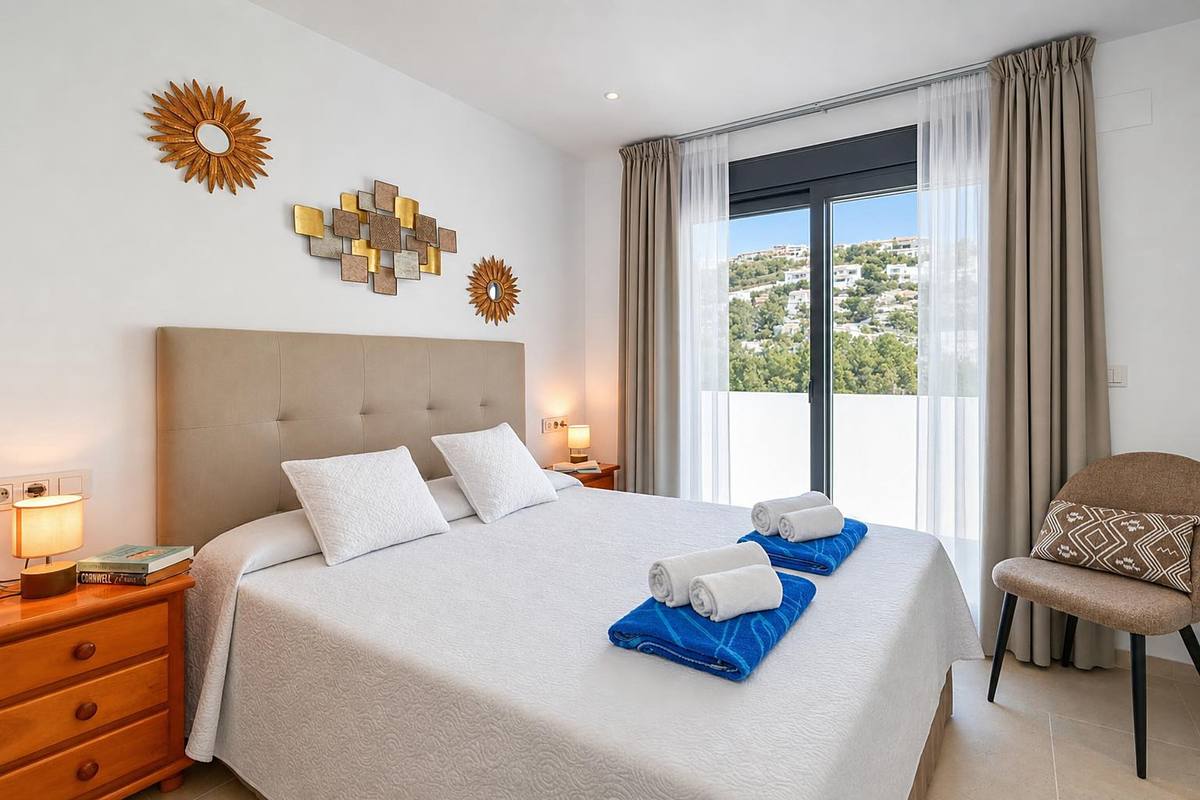
A dark room, an unmade bed, or a messy terrace costs bookings. Magic Home Photos improves the photos you already have: brighter rooms, tidy beds, a calmer pool and terrace. Same property, same framing.
No subscription. 1 credit per photo. Your photos remain your property.
New here? Read what Magic Home Photos is and how it works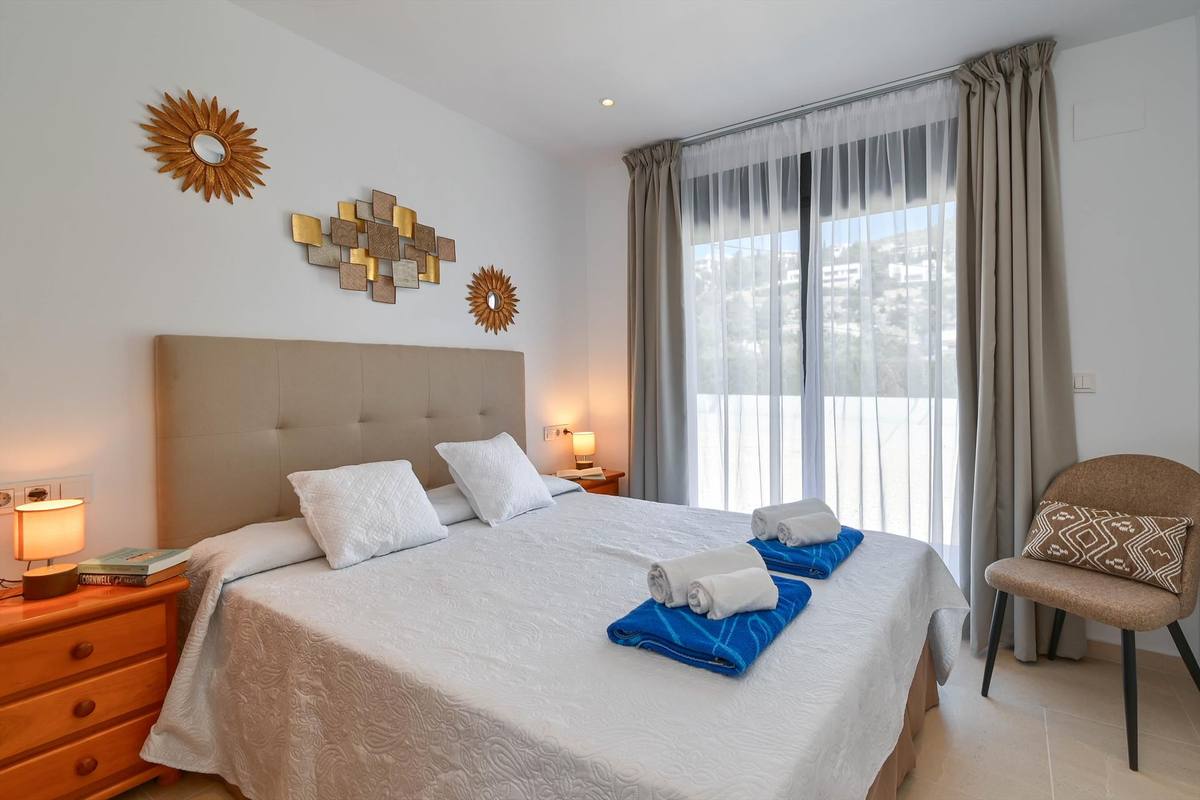
An attractive, professional photo catches visitors’ attention and increases the chances they’ll explore your property and make a booking.
Why photos decide your bookings
On Airbnb, Booking.com, Vrbo or your own website, guests compare dozens of homes in a few minutes. They decide on the first photo in the search results, then scroll through the rest. A dark bedroom, a cloudy pool or a terrace full of garden furniture is often enough to move on to the next listing.
Most hosts take their own photos, between two changeovers, with whatever light there is that day. Restyling the house or booking a photographer every season is rarely realistic.
Magic Home Photos improves the photos you already have. Rooms get more light and natural colour, beds look freshly made, the pool water is clear and the terrace is tidy. It is still your property, with the same framing, so guests find what they booked.
Magic Home Photos is part of i-Rent.net, founded in 2008 in Jávea, Spain, by holiday-rental professionals. We built it for the problem we saw every season.
What hosts fix most often
Bedrooms.
Beds made neatly, loose items out of the shot.
Pool and terrace.
Sunlight, clear water, a tidy edge, rolled towels if you ask.
Interiors on a cloudy day.
More light, natural colour, straight walls.
Two more examples
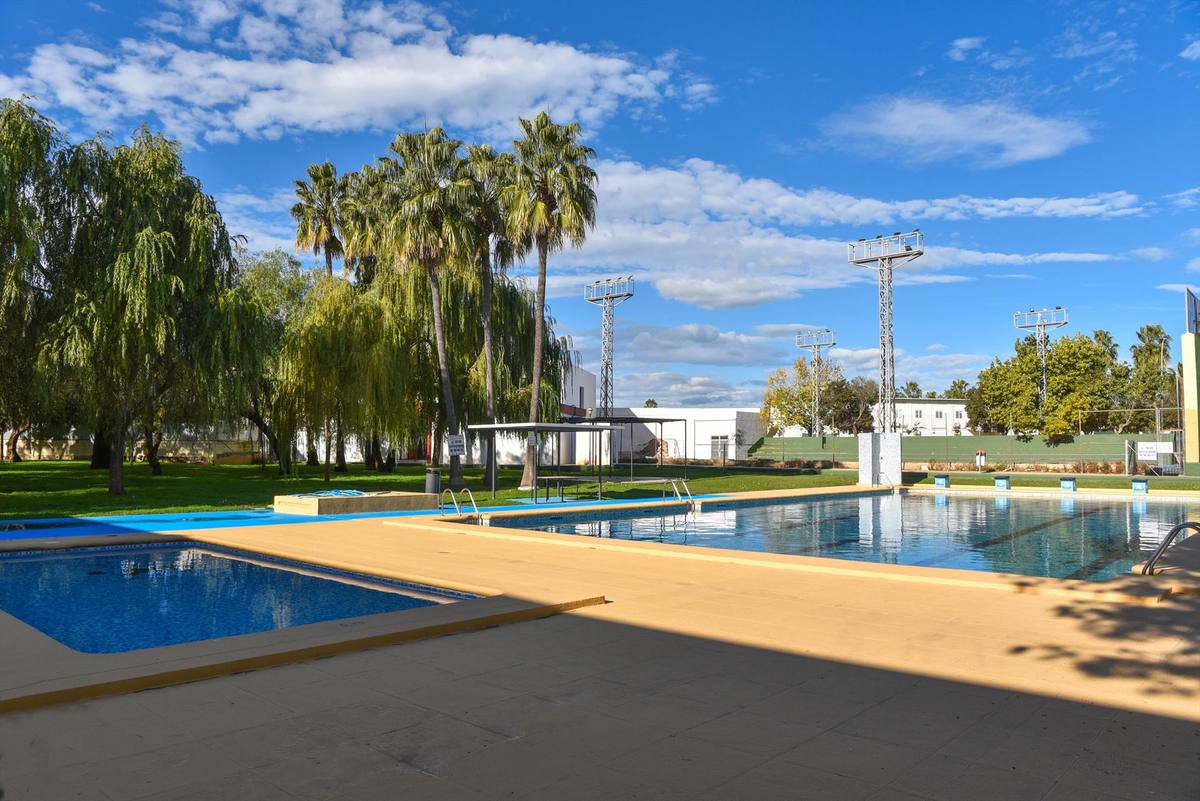
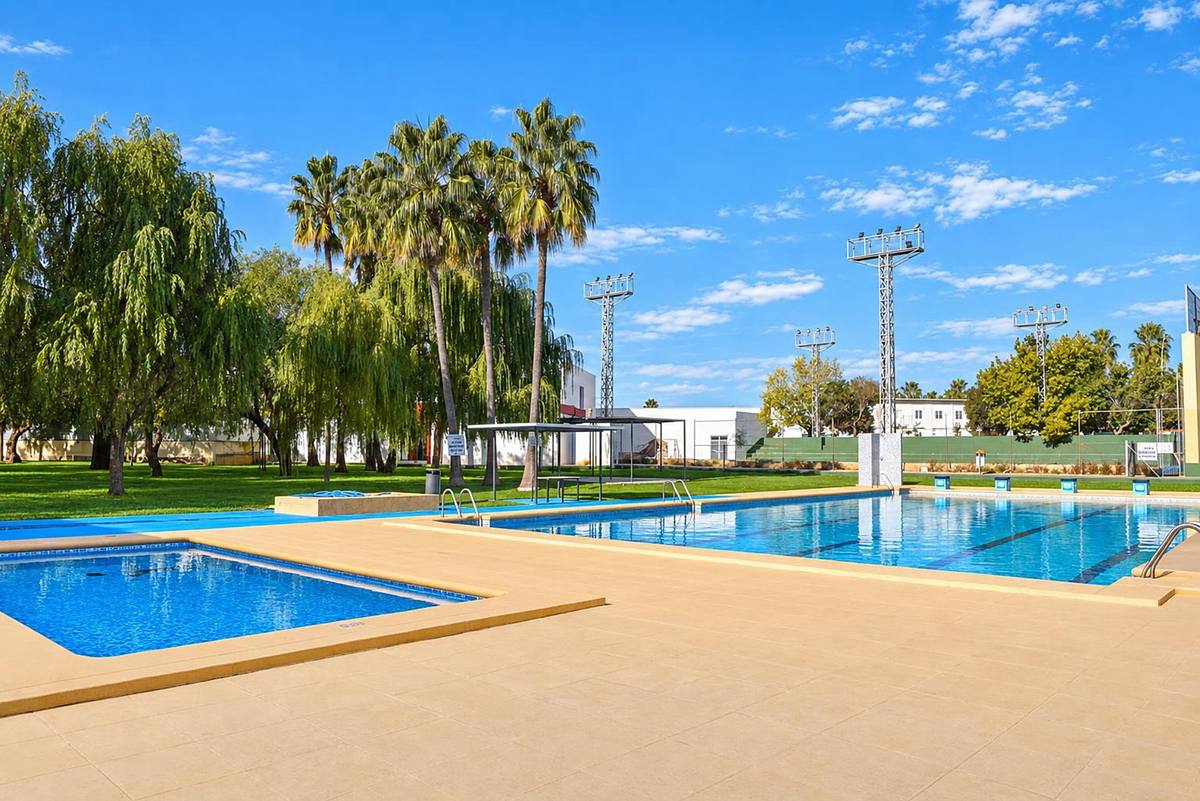
Holidaymakers are looking for sunshine and beautiful weather. Make sure your photos show them exactly that.
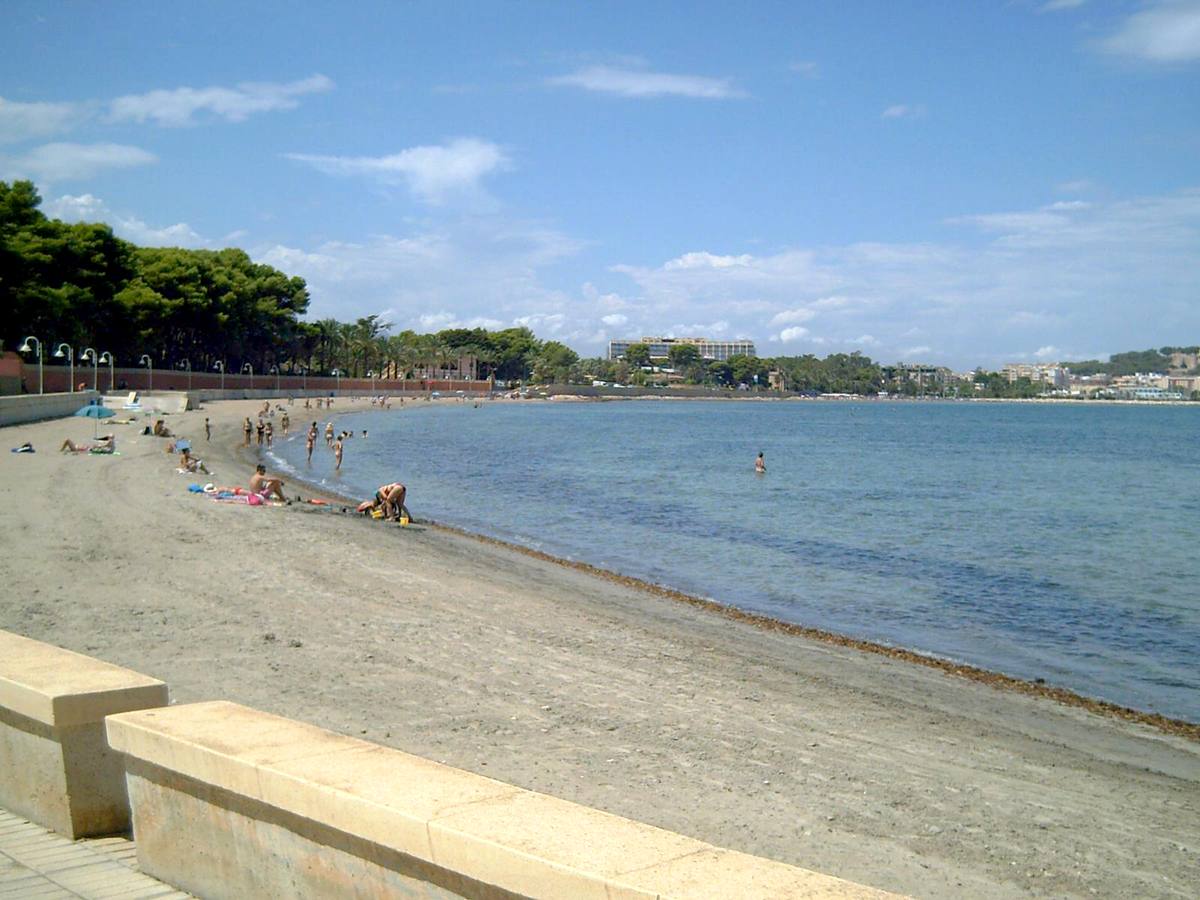
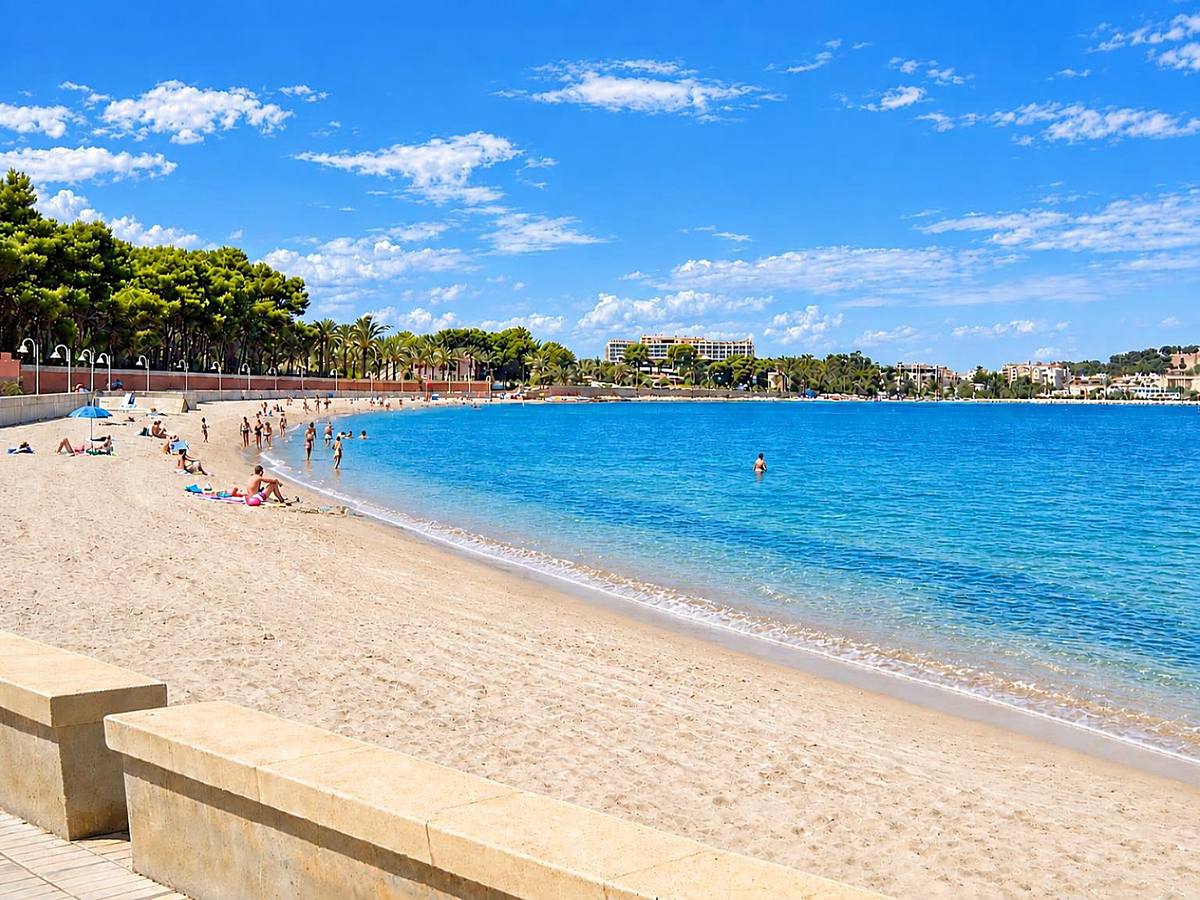
Creating beautiful photos takes time and doesn't always work on the first try. Now it's easier than ever.
A full listing, ready to publish
Video and SEO files
A property video for social media and photos with SEO filenames and ALT text for your own website.
How it works
Upload the listing photos.
JPG, PNG, or WEBP. Phone photos are fine.
Add a short instruction per photo.
When you want more than the standard polish. Example: “Make the beds, clear the worktop, more sunlight on the terrace.”
Download.
A few minutes per photo, in the background. Each photo can be edited 3 times per credit.
Frequently asked questions
- Do I need a photographer?
- No. Use the photos you already took, on a camera or a phone.
- Will guests see a different house?
- No. Same property, same framing. You decide how far each photo goes. Guests should recognise every room when they arrive.
- Can I improve a whole set at once?
- Yes. Upload the set as one project and add an instruction only on the photos that need something specific.
- Can the photos be used on Airbnb and Booking.com?
- Yes. The files are prepared for websites, booking portals and social media.
- Can I make the weather look better?
- You can ask for more sunlight on the terrace or the facade. The property, the view and the surroundings stay as they are.
- What if the first result is not right?
- Each credit includes up to 3 edits of the same photo. Add a short instruction and run it again at no extra cost.
- What does it cost?
- 1 credit per photo, with no subscription. New accounts start with 15 free photos.