

Straight lines
Walls that stand up, horizons that sit level
A slight tilt makes a professional set look amateur. Magic Home Photos straightens verticals and the horizon. Same property, same framing.
No subscription. 1 credit per photo. Your photos remain your property.
New here? Read what Magic Home Photos is and how it works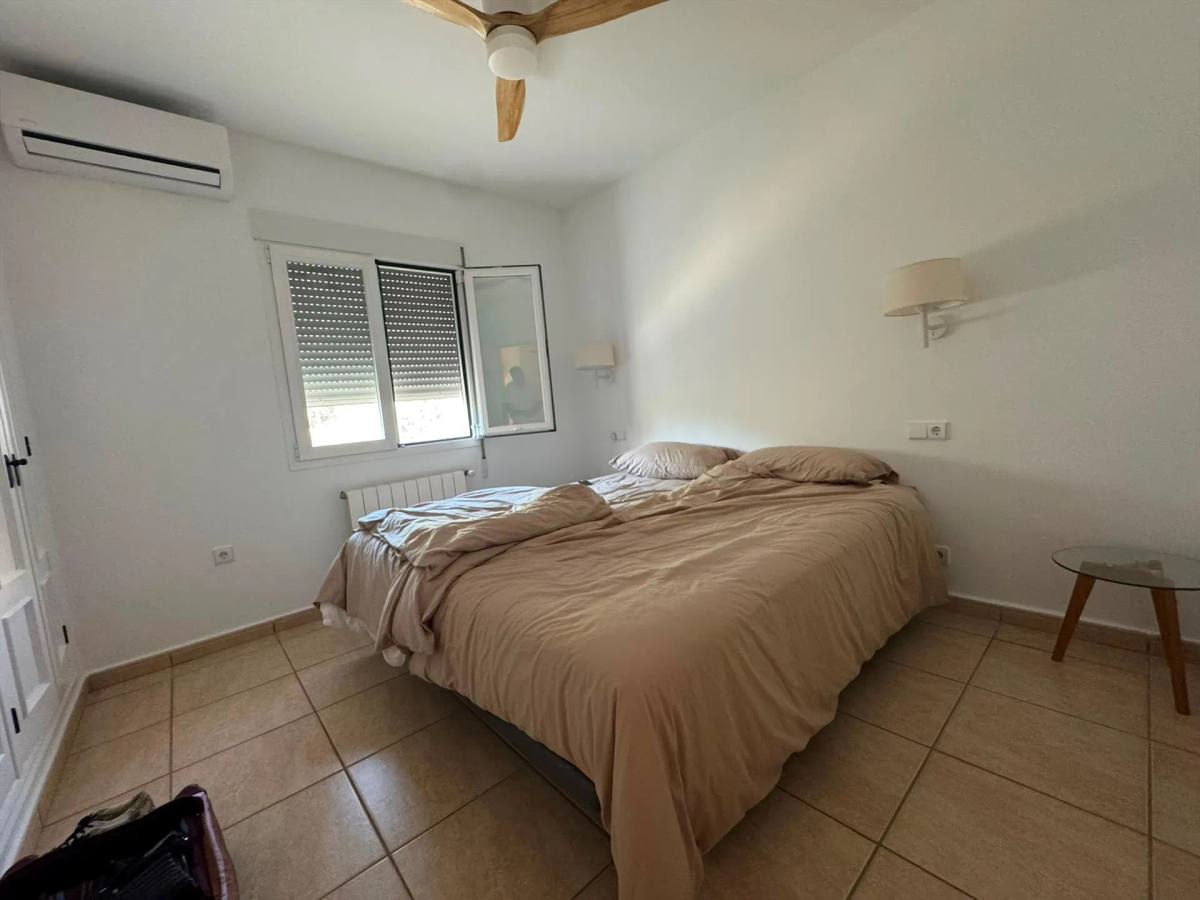
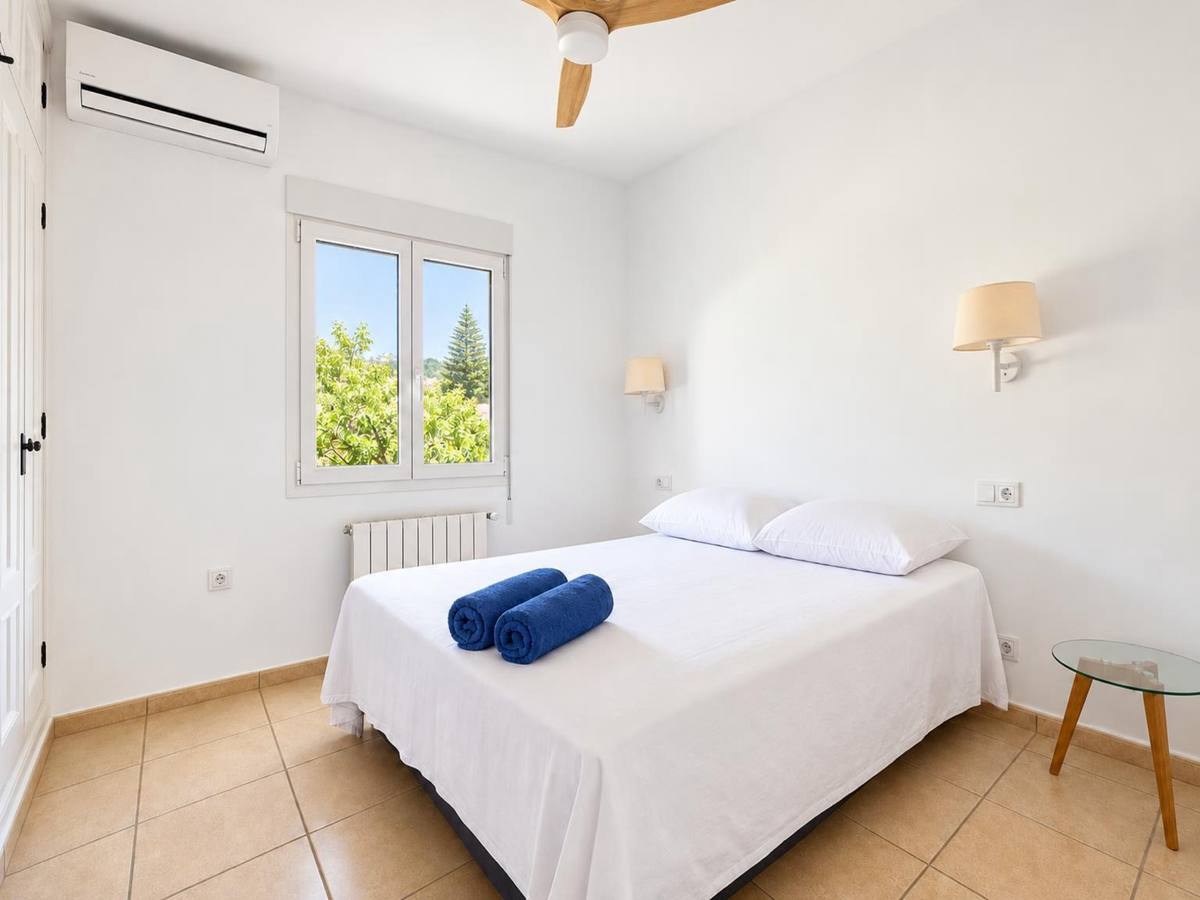
Straighten the walls and level the horizon.
Why walls lean in property photos
When you tilt the camera up or down, even slightly, vertical lines stop being parallel. Walls lean inwards, door frames look like they are falling over and tall rooms seem to taper towards the ceiling. Photographers call these converging verticals. Wide-angle lenses and phone cameras make the effect stronger, which is exactly what most people use indoors.
Outside, the same thing happens with the horizon. A sea view or a garden that tilts by a degree or two is enough to make the whole photo feel off, even if the viewer cannot say why.
Magic Home Photos corrects the camera, not the building. Verticals are pulled straight and the horizon is levelled, while the room keeps its proportions and the framing stays the same.
What it does
The standard pass
Verticals pulled straight.
Ask per photo
Horizon levelled on exteriors.
Not unless you ask
Perspective corrected without cropping the room away.
Typical situations
Shot from standing height
The camera points slightly down and the walls lean in. The verticals are straightened.
Small rooms with a wide lens
Bathrooms and bedrooms where you had to stand in the corner. The edges are corrected without cropping the room away.
Facades and tall buildings
Shot from the street, looking up. The front stands upright again.
Sea and garden views
A horizon that is not quite level. It is levelled on exteriors.
How it works
- 01
Upload your photos.
JPG, PNG, or WEBP.
- 02
Add a short instruction if needed.
Only on the photos that need something specific.
- 03
Download.
A few minutes per photo, in the background. Each photo can be edited 3 times per credit.
Frequently asked questions
- Does it change the shape of the room?
- No. It corrects the angle of the camera, not the architecture. A sloping ceiling or an angled wall that is really there stays there.
- Does it work on exteriors too?
- Yes. Facades are straightened and horizons on sea, pool and garden views are levelled.
- Will it keep my crop?
- Yes. The framing stays the same, so you do not lose the edges of the room.
- Does it also fix the light?
- Yes. Every photo gets the standard pass for light, colour and sharpness, so you do not need a separate edit.
- How do I take straighter photos in the first place?
- Hold the camera at about chest height, keep it level rather than pointing it up or down, and use the grid on your phone screen. Small tilts are then easy to correct.
- What if a photo needs another pass?
- Each credit includes up to 3 edits of the same photo. Add a short instruction, such as “straighten the door on the right”, and run it again at no extra cost.
- What does it cost?
- 1 credit per photo, with no subscription. New accounts start with 15 free photos.